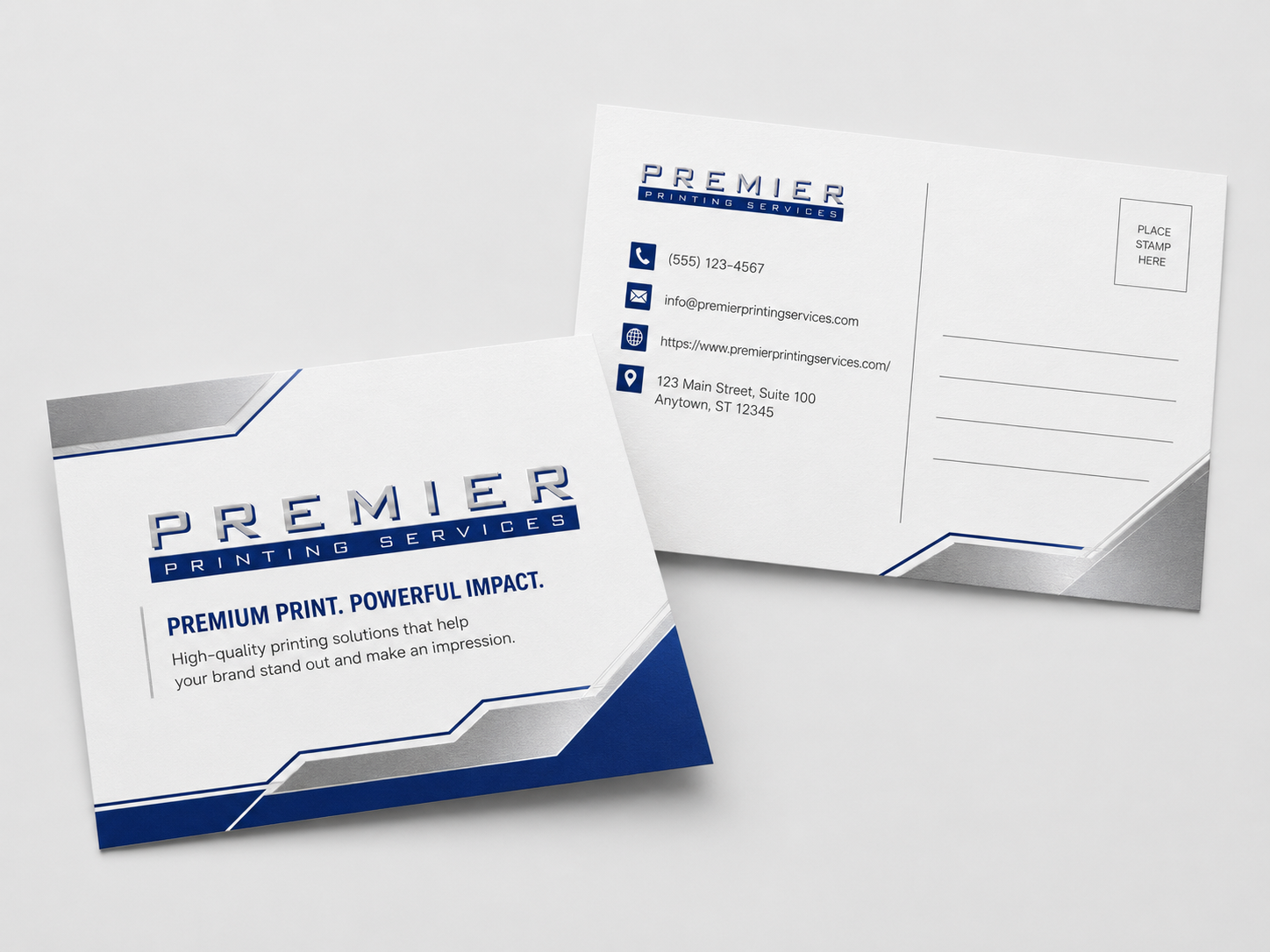
Ordering trade show materials printed online can be a practical way to get booth graphics, handouts, signage, and sales materials moving without running around town. For small business owners, office managers, and marketing teams, the biggest benefit is convenience. You can gather specs, upload files, request a quote, and keep the project organized from your desk.
That doesn’t mean every trade show print order is simple. Events have real deadlines, venue rules, shipping needs, brand standards, and last-minute changes. A banner that looks fine on screen may need bleed. A brochure might use the wrong fold setup. A logo pulled from a website may not be sharp enough for a large display.
This guide walks through what to know before ordering online, what materials to consider, and how to avoid common issues that can slow down production.
What Trade Show Materials Can Be Printed Online?
Most trade show print projects include a mix of large-format graphics and smaller marketing pieces. The right list depends on your booth size, sales process, event goals, and whether your team is shipping items or carrying them in.
Common trade show materials include:
- Retractable banners and booth signs
- Table covers, posters, and foam board signs
- Backdrops, wall graphics, and other display graphics
- Brochures, sell sheets, catalogs, and flyers
- Business cards and appointment cards
- Presentation folders and branded inserts
- Postcards, coupons, and follow-up mailers
- Name badges, event programs, and directional signs
If you’re still deciding what belongs in your booth, start with the main trade show printing services page for a broader view of available options. If your project includes banners, signs, or display graphics, the wide format printing page is also useful.
Trade Show Materials Printed Online: Start With the Booth Plan
Before you upload artwork or request a quote, map out the booth. This does not need to be fancy. A simple list of what will be seen from across the aisle, what will sit on the table, and what your team will hand to visitors is enough to get started.
Think about three distances:
- Across the aisle: Your main message, logo, and booth identity need to be visible quickly.
- At the booth: Posters, table signs, and display boards can explain benefits, services, or product categories.
- After the conversation: Brochures, sell sheets, cards, and folders help prospects remember what you discussed.
This approach helps prevent over-ordering items that don’t support the booth experience. It also helps your print team recommend materials that fit the job, rather than treating every piece as a separate order.
For a deeper planning list, review the trade show printing checklist for marketing teams before you request a quote.
Choosing the Right Printed Pieces for Your Event
Booth graphics and signage
Large display pieces do the first round of communication. They should be simple, readable, and built around one clear message. Avoid filling banners or backdrops with small text. Most attendees will not stop to read a paragraph from the aisle.
For booth graphics, confirm the final size, hardware needs, viewing distance, and whether the venue has restrictions. If you already own a banner stand or display frame, provide the print shop with the exact size requirements from the hardware. Specs can vary, so it’s best to confirm before production.
Brochures, flyers, and sell sheets
Printed handouts still matter at trade shows because they give visitors something to keep. A sell sheet works well for a single product or service. A brochure can explain a broader offering. A folder with inserts is useful when your team needs to package multiple documents for qualified prospects.
If you need help deciding between formats, the marketing collateral printing page can help you think through common business print pieces.
Business cards and appointment pieces
Business cards are easy to overlook until the day before the show. Make sure every booth staff member has enough cards, and confirm that titles, phone numbers, QR codes, and email addresses are current.
If your sales process includes consultations, demos, or follow-up calls, consider appointment cards or small reminder cards. They’re simple, but they can make next steps clearer after a busy booth conversation.
File Setup Tips Before You Upload Artwork
File setup is one of the biggest reasons trade show printing gets delayed. A print-ready file should match the requested size, include proper bleed when required, use high-quality images, and have fonts and graphics prepared correctly. Requirements can vary by product, so confirm specs with the print shop before production.
When you’re preparing artwork, review the Prepress Toolkit for guidance on bleed, resolution, color, proofing, and file preparation. It’s especially helpful when you’re working with multiple pieces that need to look consistent together.
Before uploading files, check these items:
- Size: Build the file at the correct final size or an approved scale for large-format work.
- Bleed and safety: Keep important text and logos away from trim edges. Add bleed where required.
- Image quality: Avoid low-resolution web images, screenshots, or compressed graphics for large displays.
- Color: Understand that screen color and printed color can differ. Ask about proofing if color is critical.
- Fonts: Package fonts or outline them if requested.
- File naming: Use clear file names, especially when sending several versions or booth sizes.
If you’re not sure whether your artwork is ready, it’s better to ask early. The prepress and graphic design services team can help with file review, adjustments, or design support when needed.
Common Mistakes That Delay Trade Show Printing
Trade show print projects often move quickly, which makes small mistakes more expensive in time and stress. Here are the issues that come up often.
Using the wrong size or orientation
A vertical banner file will not work for a horizontal sign without redesign. A backdrop built at the wrong ratio may crop important content. Always confirm final dimensions before design begins.
Sending too many file versions
When files are named “final,” “final2,” and “final-new,” mistakes can happen. Use clear names that include the item, size, and date. For example, “CompanyName_RetractableBanner_33x80_Approved.pdf.”
Forgetting approvals
Marketing, sales, leadership, legal, and event teams may all need to review certain pieces. Build approval time into the schedule. The print deadline checklist for artwork and approvals is a helpful resource if several people are involved.
Waiting too long to ask about shipping or delivery
Trade show materials may need to arrive at an office, hotel, convention center, booth services desk, or advance warehouse. Those details affect planning. Confirm destination requirements, labeling instructions, and receiving windows with the event organizer and your print provider.
Paper, Display, and Finishing Considerations
Not every trade show piece needs the same material. A handout should feel professional and be easy to carry. A sign may need rigidity. A banner may need a material that works with the display hardware. A postcard may need to survive bags, handling, and travel.
For brochures, flyers, and inserts, ask about paper weight, finish, folding, and coating options. Heavier paper can feel more substantial, but the right choice depends on use, quantity, mailing needs, and budget. If you’re comparing stocks, the guide to paper choice for printing is a good starting point.
For signs and display graphics, ask how the piece will be used. Indoor booth graphics have different demands than outdoor event signage. If your display will be reused, mention that during quoting so the team can discuss suitable materials and finishing options.
If color consistency matters across banners, brochures, and cards, say so early. Different materials can reproduce color differently, and proofing may be recommended for certain projects.
Timeline and Approval Tips for Online Trade Show Orders
Every print project has variables, including file readiness, product type, quantity, finishing, proofing, and shipping. Instead of assuming a turnaround time, ask for timing when you request your quote. If the event date is fixed, share that date right away.
A practical timeline includes:
- Final copy and artwork creation
- Internal review and approvals
- File check or prepress review
- Proof review, if applicable
- Production
- Packing, delivery, or shipping
When ordering trade show materials printed online, the best thing you can do is send complete information at the start. Include sizes, quantities, event date, delivery location, preferred materials if known, and any brand requirements. If you’re unsure about a detail, say so. A good print team can help you narrow the options.
When a Print Portal Helps With Trade Show Materials
If your company attends several events each year, or if multiple departments order the same booth materials, a portal may reduce repeat work. A portal can help teams reorder approved brochures, business cards, sell sheets, or branded materials without rebuilding the order from scratch each time.
This can be especially helpful for growing companies, franchises, sales teams, and multi-location organizations. Learn more about the corporate print portal if your team needs controlled ordering, approved templates, or easier repeat purchasing. You can also read why small businesses benefit from a dedicated portal for recurring print needs.
What to Include in a Trade Show Printing Quote Request
A detailed quote request helps the print shop respond with better recommendations. It also reduces back-and-forth when deadlines are tight.
Include the following when possible:
- Event date and in-hand date
- List of items needed
- Sizes and quantities
- Whether artwork is ready or design help is needed
- Delivery or shipping details
- Indoor or outdoor use for signage
- Hardware requirements, if any
- Brand color concerns or proofing needs
- Any known venue or event requirements
If you’re comparing several products at once, you can also ask for options. For example, you might request a quote for two paper choices or two quantities. Just avoid asking for too many combinations if you’re on a tight deadline, because that can slow decisions.
FAQ About Ordering Trade Show Materials Printed Online
Can I order all my trade show materials in one online request?
Yes, in many cases you can submit one request that includes banners, signs, brochures, business cards, folders, and other items. This is often better than placing separate orders because the print team can review the project as a full event package.
What file type should I send for trade show printing?
Print-ready PDF files are commonly used, but accepted file types can vary by product and workflow. Ask the print shop what they prefer before production, especially for large-format graphics or files that may need editing.
How early should I order trade show materials?
Order as early as you can once the event details are confirmed. Timelines depend on artwork readiness, product type, quantity, finishing, proofing, and shipping. Share your event date during the quote request so the print team can advise you.
Can a print shop help if my artwork is not ready?
Yes. If your file needs resizing, bleed, image replacement, layout cleanup, or design work, ask about prepress or graphic design help before ordering. It’s better to fix file issues before production starts.
Final Thoughts
Ordering trade show materials printed online works best when you plan the booth, prepare files carefully, and share the full project details with your print provider. The goal is not just to print items, but to make sure your signs, handouts, and follow-up materials support the conversations your team wants to have at the event.
If you’re preparing for an upcoming trade show, convention, or sales event, contact Premier Printing Services for more information, quote assistance, or help planning your project.