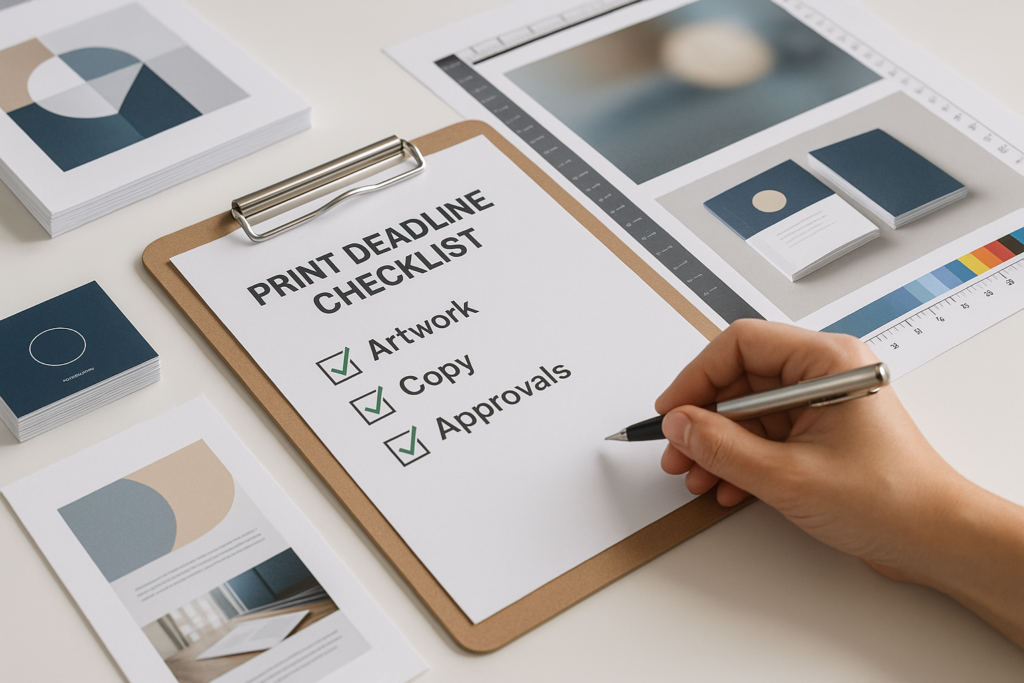
A good print deadline checklist can save your team from rushed edits, missing files, unclear approvals, and avoidable production questions. Whether you’re ordering brochures, business cards, event signage, mailers, flyers, menus, or presentation materials, the best print projects usually start before the final PDF is exported.
Most deadline problems don’t come from the press itself. They come from late copy changes, low-resolution images, missing bleed, undecided paper stock, or one more person needing to approve the proof. A little organization early in the process helps your printer give you better guidance and helps your team stay focused.
Use this guide as a practical workflow for organizing artwork, copy, print specs, and approvals before you request a quote or send files into production.
Why Print Deadlines Get Stressful
Print projects often involve more people than expected. A marketing manager may create the copy, a designer may build the layout, an office manager may handle ordering, and a business owner may need final approval. If those steps aren’t clear, the deadline can tighten quickly.
Common problems include unclear quantities, outdated logos, missing images, copy edits after proof approval, or no decision on paper and finishing. These details affect how a project is quoted, prepared, and produced.
If your team handles recurring business materials, it may help to review a broader business printing process so routine jobs are easier to repeat.
Build a Print Deadline Checklist Before Design Starts
The best time to build your print deadline checklist is before design begins. That doesn’t mean every detail has to be final, but the main project requirements should be clear enough to guide layout and quoting.
Start with the basics:
- Project name and internal owner
- Final delivery or in-hand deadline
- Print quantity or quantity range
- Finished size and flat size, if known
- Number of pages or panels
- Single-sided or double-sided printing
- Paper, cardstock, or material preference
- Finishing needs such as folding, binding, scoring, drilling, lamination, or mounting
- Mailing, packaging, or distribution needs
- Final approver and backup approver
If you’re not sure about size, paper, or finishing, that’s normal. A print shop can help you compare options, but it’s helpful to ask early. Some choices may affect production planning, file setup, postage, or how the piece performs in real use.
Collect Final Copy Before Layout Whenever Possible
Copy changes are one of the most common reasons print timelines slip. A small text edit may seem simple, but it can shift line breaks, move images, affect page count, or require another round of review.
Before design starts, collect the best available version of the copy in one document. Include headlines, body text, phone numbers, URLs, QR code destinations, disclaimers, offer dates, addresses, and names. If multiple people are editing, assign one person to merge changes into a single final file.
For marketing print materials, also confirm whether any legal, compliance, brand, or leadership review is required. This is especially important for healthcare, financial services, political, nonprofit, education, and corporate projects.
Copy Details That Are Easy to Miss
- Old phone numbers or outdated addresses
- Wrong social media handles
- Expired promotion dates
- Inconsistent capitalization of product or service names
- Missing website tracking links or QR code destinations
- Names and titles that haven’t been verified
If you’re printing direct mail, confirm mailing details early. The format, size, addressing area, and mailing class can affect design and setup. For campaign mailers or recurring outreach, review direct mail printing options before the design is finalized.
Organize Artwork, Logos, and Images
Clean file organization helps your printer review the project more quickly and reduces the chance of using the wrong asset. Create one folder for the job and use clear subfolders such as Final Copy, Logos, Images, Working Files, Final PDFs, and Proofs.
For print file preparation and prepress guidance, it’s always smart to check file requirements before production. Exact specifications can vary by project, equipment, paper, and finishing method, so confirm details with your print shop before final output.
In general, pay attention to these file setup items:
- Bleed: Artwork that extends to the edge of the page usually needs extra image area beyond the trim line.
- Safety margin: Keep text, logos, and important details away from the trim edge.
- Resolution: Images pulled from websites are often too small for quality print production.
- Color: Files may need to be reviewed for print color output, especially when brand colors matter.
- Fonts: Fonts should be embedded, outlined, or packaged according to the printer’s instructions.
- Links: If sending native design files, include linked images and supporting assets.
For a deeper explanation of trim and bleed, see this guide to bleed, trim, and safety margins in printing. If you’re unsure whether a logo or photo is suitable, this article on high-quality print production artwork is also useful.
Confirm Paper, Materials, and Finishing Before the Quote
Paper choice affects how a printed piece feels, folds, mails, and holds up. A lightweight flyer, a premium business card, a folded brochure, and an event program all have different needs.
You don’t have to know every technical term before contacting a printer. It’s enough to describe how the piece will be used. Will it be handed out at a trade show? Mailed to customers? Displayed on a counter? Placed in folders? Used outdoors? That context helps the print shop recommend practical options.
If paper selection is holding up your order, review this guide on how to pick the right paper stock. For larger business campaigns, the business printing guide for small business teams can help you think through common product types and planning details.
Set Up a Clear Artwork Approval Process
A print approval process works best when everyone knows who can request changes and who has final signoff. Without that structure, projects can get stuck in opinion loops or, worse, approved by someone who wasn’t authorized to make the final decision.
Before the proof is reviewed, decide:
- Who checks copy accuracy
- Who checks design and brand consistency
- Who checks technical details such as size, quantity, and finishing
- Who gives final approval to print
- What happens if the main approver is unavailable
Try to collect comments in one place. Scattered emails, chat messages, marked-up PDFs, and verbal edits are easy to miss. If there are changes, send one consolidated list to your designer or printer.
What to Review on a Proof
Proofing is not just a design review. It’s your opportunity to check the final printed content before production moves forward. Review proofs slowly, preferably with a printed copy or a full-size view when possible.
- Spelling, grammar, and punctuation
- Phone numbers, URLs, QR codes, and email addresses
- Names, titles, addresses, dates, and prices if applicable
- Page order and panel order on folded pieces
- Crop marks, bleed, and visible safe areas if shown
- Logos, colors, photos, and brand elements
- Quantity, size, paper, and finishing notes
If you’re managing multiple jobs or repeat orders, a customer portal may help organize requests and reduce repeat setup work. Learn more about the Request Portal if your team regularly places print orders.
Build Realistic Timeline Expectations
Every print project has its own timeline. A simple reorder with approved files is different from a new multi-piece campaign that needs design, paper selection, proofing, finishing, and mailing. Because exact timing depends on the job, it’s best to confirm expectations with your print shop before production.
As a planning habit, leave room for these steps:
- Copywriting and internal review
- Design and layout
- Prepress review and file adjustments
- Proofing and approval
- Printing
- Drying, trimming, folding, binding, or other finishing as needed
- Packing, pickup, delivery, or mailing preparation
For more planning help, see how to plan print campaigns without last-minute file issues. It covers common problems that show up when files are rushed into production.
Common Mistakes to Avoid Before a Print Deadline
Small mistakes can create extra review cycles. Before you send files, check for these issues:
- Sending several versions of the same file without naming the final version clearly
- Approving artwork before the copy is actually final
- Using images copied from websites or social media
- Forgetting bleed on designs that print to the edge
- Leaving placeholder text, old disclaimers, or outdated contact details
- Changing quantity, paper, or finishing after the quote is approved
- Assuming colors will look exactly the same on every screen and printed material
- Not checking folded panels, page order, or mailing layout
If your team needs design or file support, ask before the deadline gets tight. Premier Printing Services offers prepress and graphic design services for customers who need help preparing artwork, correcting files, or building print-ready materials.
When to Ask Your Print Shop for Help
You don’t need to solve every technical issue alone. Contact your printer early if you’re unsure about file setup, paper, color, folds, mailing, signage materials, or how a piece should be built for production.
A good print conversation usually includes the project goal, deadline, quantity, final size, desired finish, delivery or mailing needs, and any concerns about the artwork. If you’re still comparing options, send what you have and explain what’s undecided.
When you’re ready, you can request a quote with the details you have available. The more complete your information is, the easier it is for the print team to respond with useful guidance.
FAQ: Organizing Files and Approvals Before Printing
What should I send to a printer before a deadline?
Send the final artwork, approved copy, quantity, size, paper or material preferences, finishing requirements, delivery or mailing needs, and your deadline. If you’re unsure about technical file setup, include the working files and ask for a prepress review.
How early should I start preparing print files?
Start as early as you can, especially if the project needs design, copy approval, special paper, finishing, mailing, or multiple stakeholder reviews. Exact production timing varies by project, so confirm the schedule with your printer before you commit to a deadline.
Who should approve a print proof?
The final approver should be someone authorized to confirm content, branding, quantity, and production details. It’s helpful to have separate reviewers for copy, design, and logistics, but one person should collect feedback and provide final approval.
Can a printer fix my artwork if it isn’t print-ready?
Often, yes, depending on the file and the scope of work needed. Some issues are quick to correct, while others may require design time or replacement images. Ask your printer to review the file before production.
Final Check Before You Send Files
A print deadline checklist won’t remove every surprise, but it will make your project easier to quote, review, proof, and produce. Confirm the final copy, organize your assets, check the artwork, identify the approver, and ask questions early if anything is unclear.
If you’re working toward a print deadline and want help reviewing files, planning specs, or preparing a quote, contact Premier Printing Services for more information or project help.