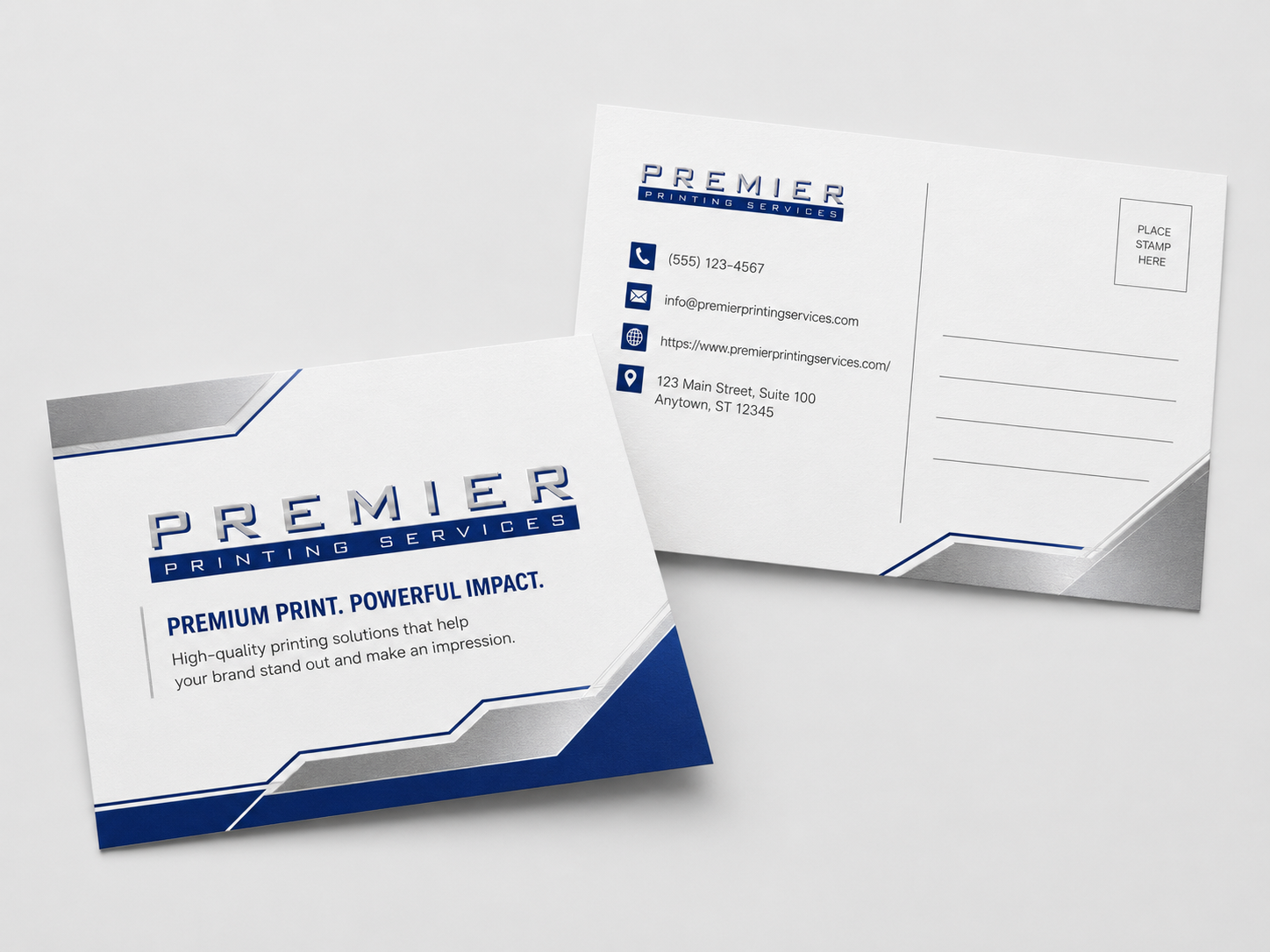
Standardizing multi-location printing starts with an approved product catalog, clear file ownership, ordering rules, and accurate location data.
Start with a controlled product catalog
To standardize printing across locations, define the approved products, specifications, artwork rules, ordering permissions, and delivery data before choosing an ordering system.
The catalog does not need to include every item immediately. Begin with high-frequency or brand-sensitive materials such as business cards, stationery, forms, folders, postcards, signs, and location kits.
Document every repeat product
For each product, record the finished size, stock, colors, coating or finish, quantity options, packaging, proof requirements, and shipping instructions. Add a clear owner for the specification and a review date.
A product name such as “office brochure” is not enough when locations have been ordering different sizes or old versions. The approved specification should make the intended result unambiguous.
Separate fixed and variable content
| Fixed content | Variable content |
|---|---|
| Logo, colors, legal copy, layout, product size | Employee name, title, phone, office address, local offer |
| Controlled centrally | Entered or selected within approved rules |
This distinction helps teams protect the brand while allowing the local information needed for business cards, appointment cards, signs, or campaign pieces.
Define who can order and approve
- Identify authorized requesters by department or location.
- Decide which products each user should see.
- Document approval requirements for new artwork or unusual quantities.
- State when a purchase order is required.
- Choose who maintains employee, address, and location data.
These decisions can be supported by a corporate print portal, but they should not be left for the portal to invent.
Clean the location and shipping data
Maintain one current list of location names, contacts, shipping addresses, billing references, and special delivery notes. Use consistent naming so the same office does not appear under several variations.
For distributed campaigns, confirm quantities by destination and leave enough time to review location-specific versions before production.
Roll out in manageable stages
- Audit current products and files.
- Choose the first approved catalog.
- Confirm specifications and location data.
- Test ordering with a small user group.
- Correct confusing labels or permissions.
- Train remaining users and document support.
- Review exceptions before adding more products.
Measure whether the process is improving
Useful operational measures include fewer incorrect versions, fewer repeated specification questions, clearer approvals, more consistent location data, and easier reorders. When available, also review quote requests, portal-demo activity, and qualified opportunities rather than judging the program by page traffic alone.
Frequently asked questions
Should every location be allowed to edit artwork?
Not necessarily. Many companies separate centrally controlled brand elements from a limited set of approved local fields.
Can locations have different shipping addresses?
Yes. A current address list and clear location naming help prevent routing errors.
Do we need to standardize every printed item at once?
No. Start with frequent, costly, or brand-sensitive products and expand after the initial workflow is working.
Schedule a Portal Demo
Share the products, quantities, locations, artwork status, timing, and ordering requirements with the Premier team.