A restaurant marketing checklist helps your team turn a promotion, menu update, catering push, or local event into print-ready materials without scrambling at the last minute. For restaurant owners, marketing teams, and procurement buyers, the goal is simple: know what you need, confirm the details, prepare the files, and give the print shop enough information to quote accurately.
This is especially useful in Chatsworth, the San Fernando Valley, and greater Los Angeles, where restaurants often compete for attention around lunch traffic, office catering, weekend events, delivery orders, and neighborhood promotions. A printed piece has to be clear, accurate, durable enough for its purpose, and ready when the campaign launches.
Use this checklist before ordering menus, table tents, window graphics, banners, coupons, takeout inserts, direct mail, or event materials.
Start With the Marketing Goal
Before choosing paper, size, or quantity, define what the printed piece needs to do. A lunch special flyer has a different job than a catering brochure. A grand opening banner has different requirements than a reusable menu board insert.
Ask these questions first:
- Are you promoting dine-in, takeout, delivery, catering, private events, or seasonal items?
- Is the campaign tied to a deadline, holiday, local event, or limited-time offer?
- Will the piece be used in-store, mailed, handed out, inserted into bags, or displayed outdoors?
- Does the material need to support one location or multiple restaurants?
- Who approves final pricing, menu descriptions, images, legal copy, and brand details?
If you manage several locations, consistency becomes a bigger issue. Menu names, logos, prices, phone numbers, QR codes, and location-specific offers should be reviewed carefully. For a deeper look at this challenge, see multi-location restaurant printing consistency.
Restaurant Marketing Checklist for Printed Materials
Use this restaurant marketing checklist to decide what belongs in your campaign. You may not need every item, but reviewing the list can help catch missing pieces before artwork is finalized.
Menus and food-focused pieces
- Dine-in menus
- Takeout menus
- Catering menus
- Happy hour menus
- Seasonal inserts
- Menu cards for counters, host stands, or delivery bags
- QR code cards that link to online ordering or digital menus
In-store promotional materials
- Table tents
- Counter cards
- Posters
- Window clings or window signs
- Wall graphics
- Point-of-sale inserts
- Loyalty cards or coupon cards
Exterior and event visibility
- Banners
- A-frame signs
- Outdoor posters
- Directional signs for events or pickup areas
- Pop-up event materials
For larger display pieces, visit the wide format printing page to review common uses for signs, banners, and oversized graphics. If your main need is storefront visibility, the guide to outdoor signage for restaurants may also be helpful.
Local outreach and direct mail
- Grand opening postcards
- Neighborhood coupons
- Catering mailers for nearby offices
- Event promotion cards
- Reactivation offers for past customers
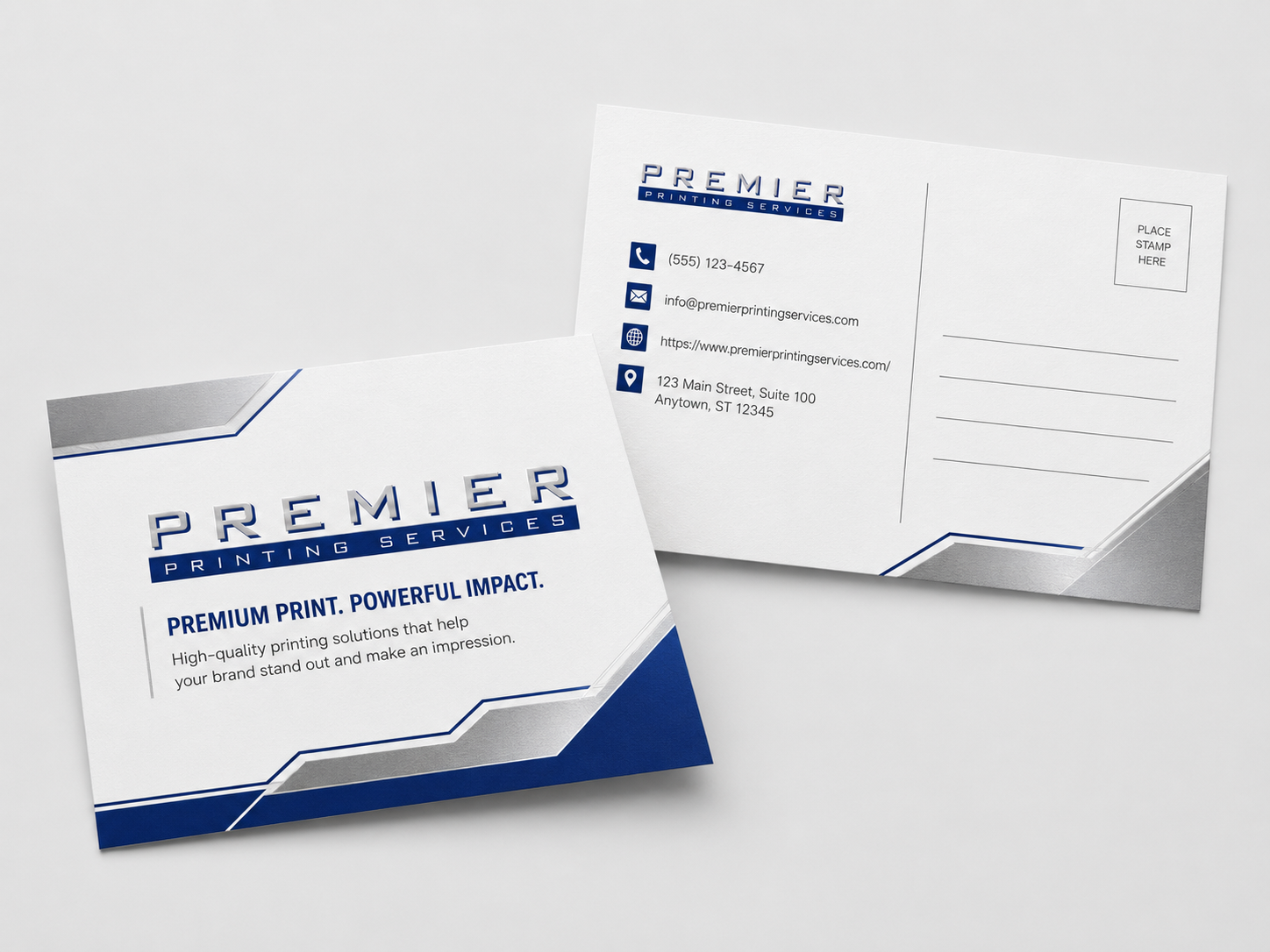
Direct mail can be useful for restaurants near offices, schools, apartment communities, hotels, gyms, and entertainment venues. If you’re planning a mailed campaign, review available options on the direct mail printing page and confirm mailing details before production.
Check Menu and Offer Details Before Design
Restaurant print projects often get delayed because the design is ready before the content is final. That usually leads to small revisions that affect spacing, pricing, disclaimers, or QR codes.
Before sending files to print, confirm:
- Menu item names and descriptions
- Prices and modifiers
- Availability by location, day, or time
- Offer expiration dates
- Coupon terms and restrictions
- Phone numbers, addresses, and hours
- Website URLs and ordering links
- QR code destination pages
- Delivery platform references, if used
- Required allergen notes or disclaimers, if applicable
Do one full proofread on paper or as a full-size PDF if possible. It’s much easier to catch menu errors when the piece is reviewed at real size instead of zoomed in on a screen.
Match Each Printed Piece to Its Use
The best print specs depend on how the material will be handled. A takeout menu that gets folded and placed in bags has different needs than a laminated counter menu or an outdoor banner.
Here are a few practical considerations:
- Takeout menus: Think about folding, readability, and whether customers can quickly find ordering information.
- Dine-in menus: Ask about paper weight, coatings, lamination, or other finishing options if the piece needs more durability.
- Table tents: Consider stability, size, and whether the message changes often.
- Coupons: Make redemption instructions clear for both customers and staff.
- Banners and signs: Confirm indoor versus outdoor use, installation method, and viewing distance.
- Direct mail: Confirm size, addressing, postage, and mailing requirements before design is final.
Paper, coating, and finishing choices affect how a piece feels and how long it holds up. If you’re unsure which stock makes sense, the article on how to pick the right paper for printing gives a useful overview. For hands-on comparison, a business print sample kit can help teams evaluate stocks and finishes before a larger order.
File Setup Tips That Prevent Production Delays
Print files don’t have to be complicated, but they do need to be built correctly. Many delays come from missing bleed, low-resolution images, wrong page sizes, font issues, or files that don’t match the requested final size.
Before submitting artwork, check these items:
- Final size is clearly stated.
- Bleed is included when graphics run to the edge.
- Important text and logos are kept inside the safe area.
- Photos and logos are high enough quality for print.
- Colors are set up appropriately for print production.
- Fonts are embedded or outlined, depending on the file type.
- Folds, scores, drill holes, or die lines are clearly indicated when needed.
- QR codes are tested at printed size.
- Each file is named clearly, especially for multi-piece campaigns.
If your team is preparing files internally or through an agency, review the Prepress Toolkit before sending artwork. It can help reduce back-and-forth during proofing. If you need design or file repair support, the prepress and graphic design services page explains when professional setup can help.
Timeline and Approval Planning
Restaurant promotions often have fixed launch dates, such as a holiday menu, sports event, local festival, catering season, or grand opening. Because print timing can vary by product, quantity, finishing, proofing, and delivery requirements, confirm the schedule with the print shop before production.
Build your timeline around these steps:
- Campaign brief and material list
- Copywriting and menu detail approval
- Design and file preparation
- Internal review by marketing, operations, or ownership
- Print quote and spec confirmation
- Proof review
- Production
- Pickup, delivery, mailing, or distribution
For Los Angeles restaurant groups, distribution details matter. A campaign for one Chatsworth location may be simple. A campaign that sends different versions to locations across the Valley, Westside, Downtown LA, or surrounding communities needs more version control.
If multiple departments approve materials, assign one person to collect feedback and submit final approvals. Too many separate emails can lead to conflicting changes, missed deadlines, or outdated files being printed.
Common Restaurant Print Marketing Mistakes
Most print problems are preventable. These are the issues restaurant teams should watch for before placing an order:
- Updating prices after proof approval: Price changes can affect layout and timing, so finalize them early.
- Using web images for print: Images that look fine online may not print sharply.
- Forgetting location-specific details: Hours, addresses, parking notes, phone numbers, and offers may vary.
- Making QR codes too small: Test every code at the intended printed size.
- Ordering without considering handling: Menus, coupons, and inserts may need different paper or finishing based on use.
- Skipping a final content proof: Spelling, menu descriptions, and expiration dates deserve one last review.
- Underestimating version control: Multiple locations or languages require clear file naming and approval tracking.
Procurement teams should also compare more than unit price when choosing a print partner. Proofing, communication, file review, consistency, and repeat-order support can all affect the total project outcome. The article on what to compare beyond unit price when selecting a commercial printer covers this in more detail.
Use This Restaurant Marketing Checklist Before You Request a Quote
A clear restaurant marketing checklist makes quote requests easier and helps avoid delays. Before you request pricing, gather the project name, quantity, final size, paper preference if known, finishing needs, number of versions, delivery or mailing requirements, and the date materials are needed.
If you don’t know the right paper, folding style, coating, or file setup, that’s normal. Share how the piece will be used and ask for guidance before production. A takeout insert, outdoor sign, catering mailer, and dine-in menu all have different practical requirements.
For restaurant teams in Chatsworth, the San Fernando Valley, and greater Los Angeles, the best print planning starts with accurate content, clean files, and a realistic approval process. Use the checklist above to organize the details first, then submit the project information through the contact page when you’re ready to confirm specs or request a quote.